A studio WFH setup is a layout puzzle, not a furniture-shopping problem. You are trying to fit a real eight-hour-a-day workstation into a room that is also your bedroom, your living room, your kitchen, and the place you decompress after the workday ends. Most of the WFH desk advice on the internet assumes a spare room with a door. You do not have a spare room. You have 350 square feet, a bed, a sofa, and a deadline.
This guide is for the studio renter who needs a desk that disappears at 6 PM, video calls that do not show the unmade bed, and a workflow that does not turn the only room you live in into an office you cannot leave. Every fix below works in studios from 250 to 550 square feet and works for renters who cannot drill, cannot paint, and cannot move walls.
The ultimate studio WFH setup starts with one rule: zone the desk away from the bed
The biggest mistake studio renters make is putting the desk next to the bed because that is where the outlet is. Three weeks later, they cannot fall asleep, cannot stop checking email after 9 PM, and cannot remember the last time they actually felt off the clock. The fix is to put your studio WFH setup as far from the bed as the layout physically permits, even if it means running a cord across the room and taping it down with cord covers.
The hierarchy of good desk placements in a studio: against a wall in the corner farthest from the bed, in front of a window if it is not above the bed, inside a closet you converted, or as a room divider perpendicular to the bed wall. The hierarchy of bad placements: directly facing the bed, immediately next to the bed, or anywhere your monitor is the first thing you see in the morning.
Before buying any furniture, sketch the floor plan and measure the longest uninterrupted wall that is not the bed wall. That wall is your desk wall. Everything else flows from that single decision.
Pick a desk that is 36 to 48 inches wide, not the 60 inch one you want
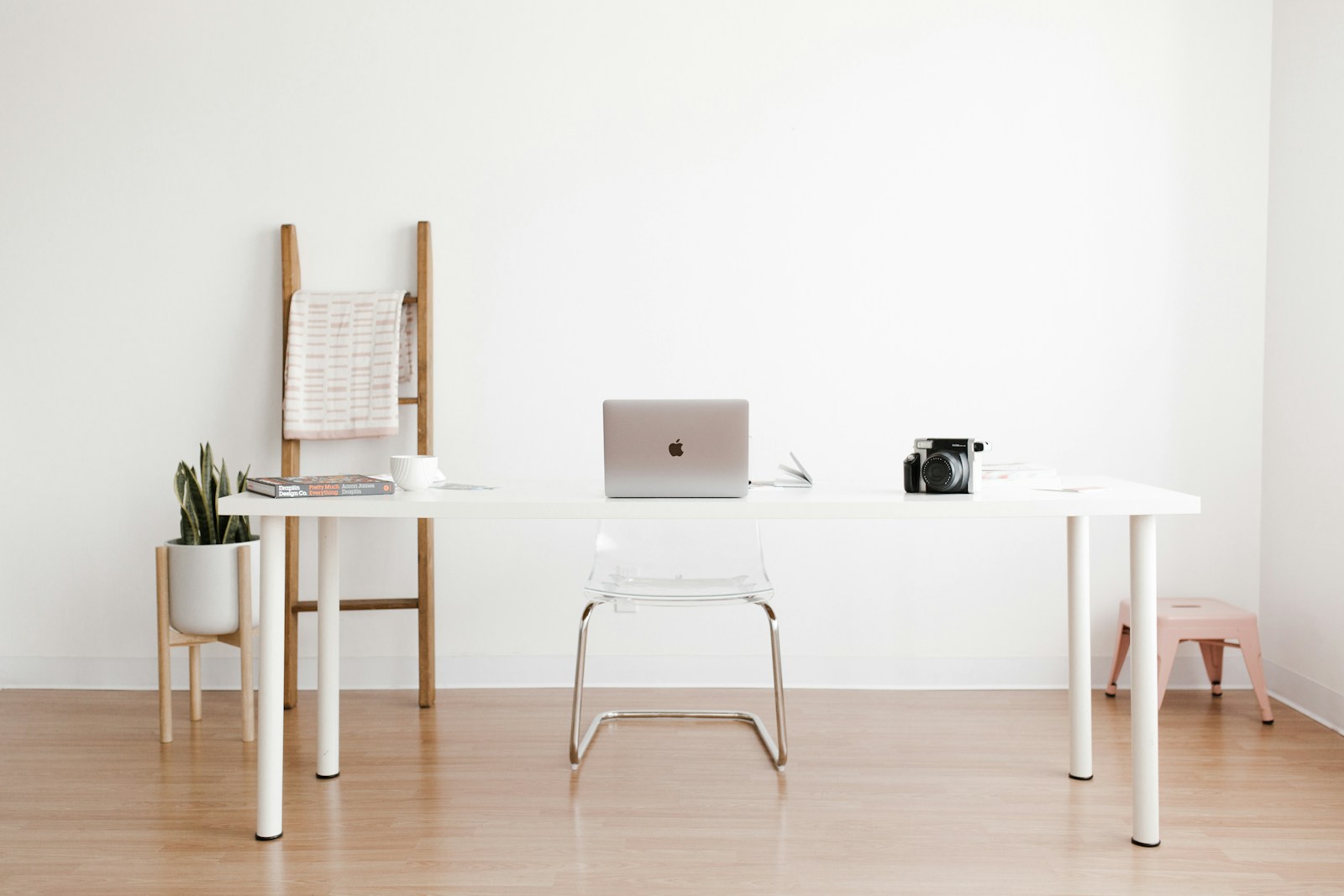
In a studio, every extra inch of desk is an inch of floor you cannot use for anything else. A 36 inch desk holds a 14 inch laptop, an external monitor, a notebook, and a coffee cup. A 48 inch desk adds a second monitor or a desk lamp. Anything bigger is a vanity purchase that costs you square footage.
Good studio-scale desks: IKEA Linnmon 47×24 ($40 top + $20 legs), Fully Jarvis 42 inch standing desk ($425), Branch Standing Desk 48 inch ($499), or for under $150 the Vasagle small writing desk on Amazon at 40 inches. If you want a fold-down option that disappears entirely, the IKEA Norberg wall-mounted drop-leaf desk ($85) folds flat against the wall when you close the laptop at 6 PM and the studio reverts to being a living room.

Convert a closet, alcove, or pantry into a closed-door office
If your studio has a 24 to 36 inch deep closet that you can empty, you have the single best studio WFH setup in the building. The closet office (or cloffice, if you must) gives you a dedicated work zone with a door you can shut at the end of the day. The bedroom you sleep in is no longer the office you work in, even if it is the same studio.
The construction is simple. Remove the closet rod and shelf. Install a 24 inch deep IKEA Linnmon top across the back wall at desk height (typically 30 inches off the floor) using two Ekby Valter brackets ($10 each). Add a small wall sconce or clip lamp for task light. Run a 6-outlet power strip down one side. Mount a 13 to 24 inch monitor with a desk clamp. The whole conversion costs under $200, takes a Saturday, and is fully reversible at move-out (everything is screwed in, nothing patched).
If you do not have a closet to give up, the next best thing is the bedroom alcove (the L-shape next to a fireplace or a bathroom wall) where a 36 inch desk slots in and a curtain on a tension rod can be drawn closed at the end of the day. The visual separation does most of the psychological work.
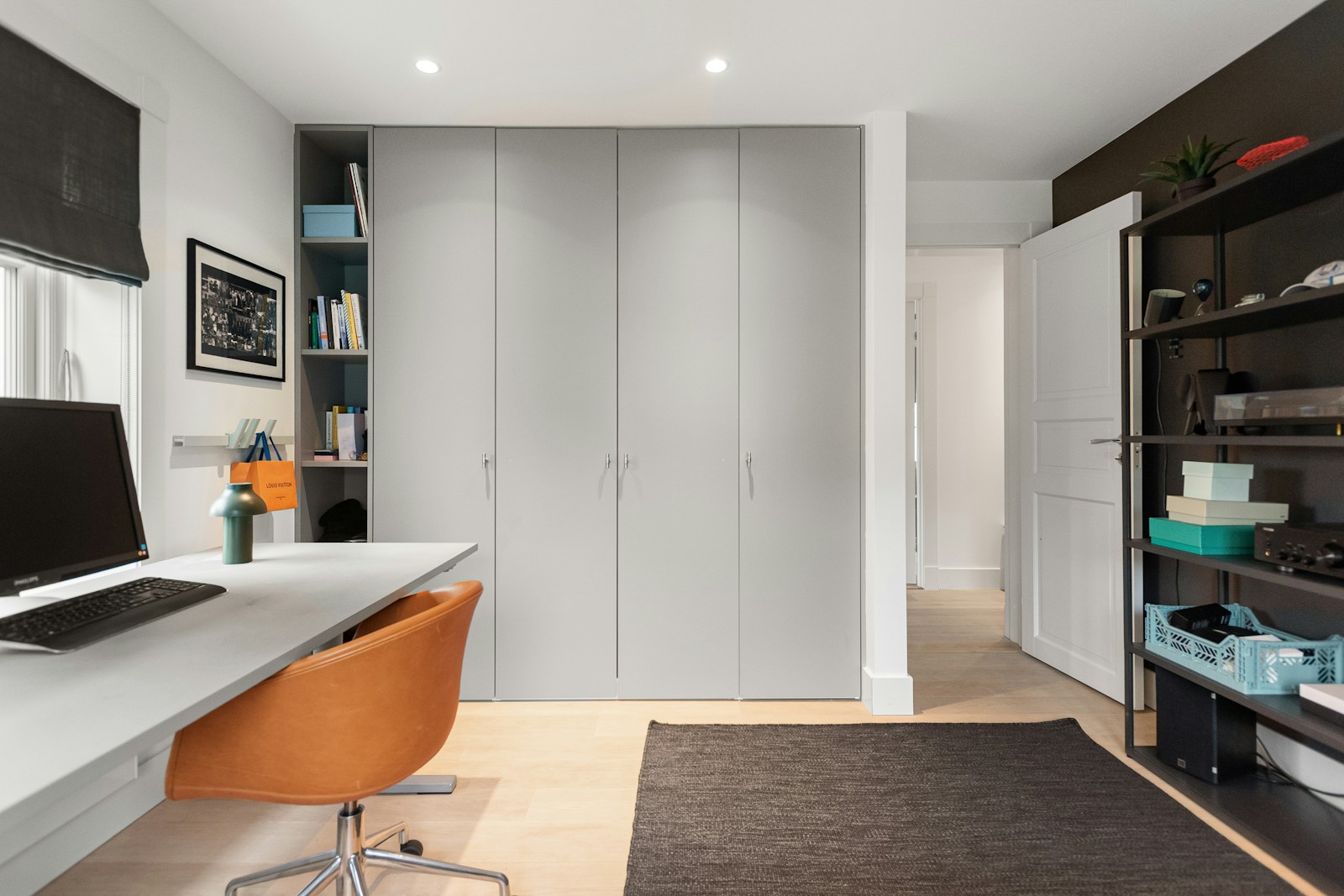
Get the chair right because everything else is forgivable
You can work on a $40 IKEA desk with a $20 lamp and a $30 monitor stand and still produce great work, but you cannot work 40 hours a week on a wooden dining chair and feel okay at the end of it. The chair is the line item where studio renters consistently overspend on the wrong thing and underspend on the right one.
What works: a used Steelcase Leap V2 from the office liquidator near you ($250 to $400, half the new price), the IKEA Markus at $250, or the Herman Miller Sayl at $550 if you have the budget. What does not work: any “gaming chair” with a racing-stripe design, the $80 mesh chair on Amazon (it will hurt your back in three weeks), or a dining chair with a cushion on it.
For studios where the chair has to look good in the rest of the room when work is over, the Branch Verve in muted colors or the Eames-style soft-pad lookalikes from Article ($600 to $900) are office chairs that do not read as office chairs. The bedroom is the office is the living room. The chair has to live in all three.
Mount the monitor, hide the cables, and double your usable desk
A 27 inch monitor on a stand eats roughly 8 inches of front-to-back desk depth and creates a permanent visual block on a 24 inch deep studio desk. A monitor arm or clamp ($30 to $80, the VIVO single arm at $30 is fine for under 20 pounds) reclaims that 8 inches and lets you push the monitor flush against the wall when not in use. Add a USB-C dock or hub behind the monitor and your laptop connects with one cable that disappears into the back of the desk.
The cable management piece matters more in a studio than in a home office because the desk is in the same room as the sofa, the bed, and the kitchen. Visible cables read as visual clutter from across the room. Use cable raceways along the wall (Amazon Basics 4 foot, $15), a desk grommet or under-desk tray (IKEA Signum, $10), and a single multi-port USB-C hub instead of three USB chargers plugged into the wall. Total cable-management spend: under $50. Visual effect: the WFH setup looks intentional rather than improvised.
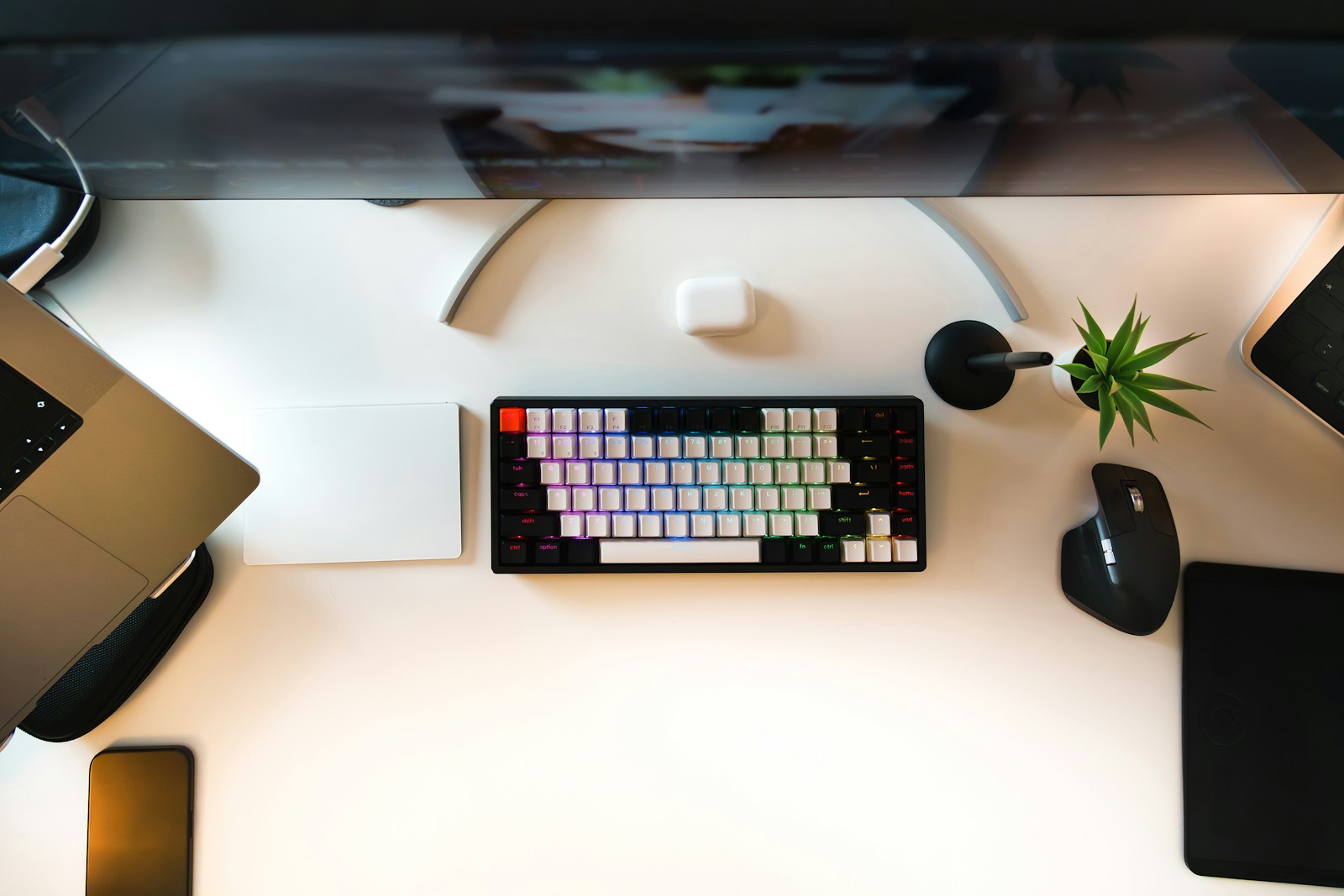
Light the desk separately from the rest of the studio
The overhead light in your studio is for cooking, cleaning, and finding the keys. It is not adequate task light for eight hours of work. A studio WFH setup that uses only the ceiling fixture will give you headaches and eye strain by week two.
The minimum: one focused task lamp aimed at your keyboard area, with a 2700K to 3000K bulb (warm white, not daylight blue, despite what the “ergonomics” articles claim; the cooler temperature causes more strain in a small windowless space). The BenQ ScreenBar at $109 clips to the top of your monitor and lights only the desk surface, leaving the rest of the room ambient. The IKEA Tertial clip lamp at $15 does the same job for less.
Add a second source for video calls: a small ring light or panel ($25 to $50) positioned behind your laptop camera at face level. The point is not to be a streamer. The point is to not look like you are calling from inside a closet on every Zoom meeting. Good face light reads as competence on camera and costs less than a dinner out.
Solve the video-call background problem in 30 minutes
Half of working from a studio is making sure the camera does not show the bed, the dishes, or the laundry basket. The fix is positional and one-time. Walk into the apartment, turn on your laptop, open Zoom in self-view, and walk around with the laptop until you find a desk angle where the camera sees only a clean wall or a tidy bookshelf behind you. That is your new desk facing direction.
If no angle works, build the background. A 30 by 40 inch art piece leaning against the wall behind your chair, a tall potted plant in one corner of the frame, and a single shelf with three styled objects (a small lamp, a book stack, a ceramic vessel) creates a controlled video background using stuff you would have bought anyway.
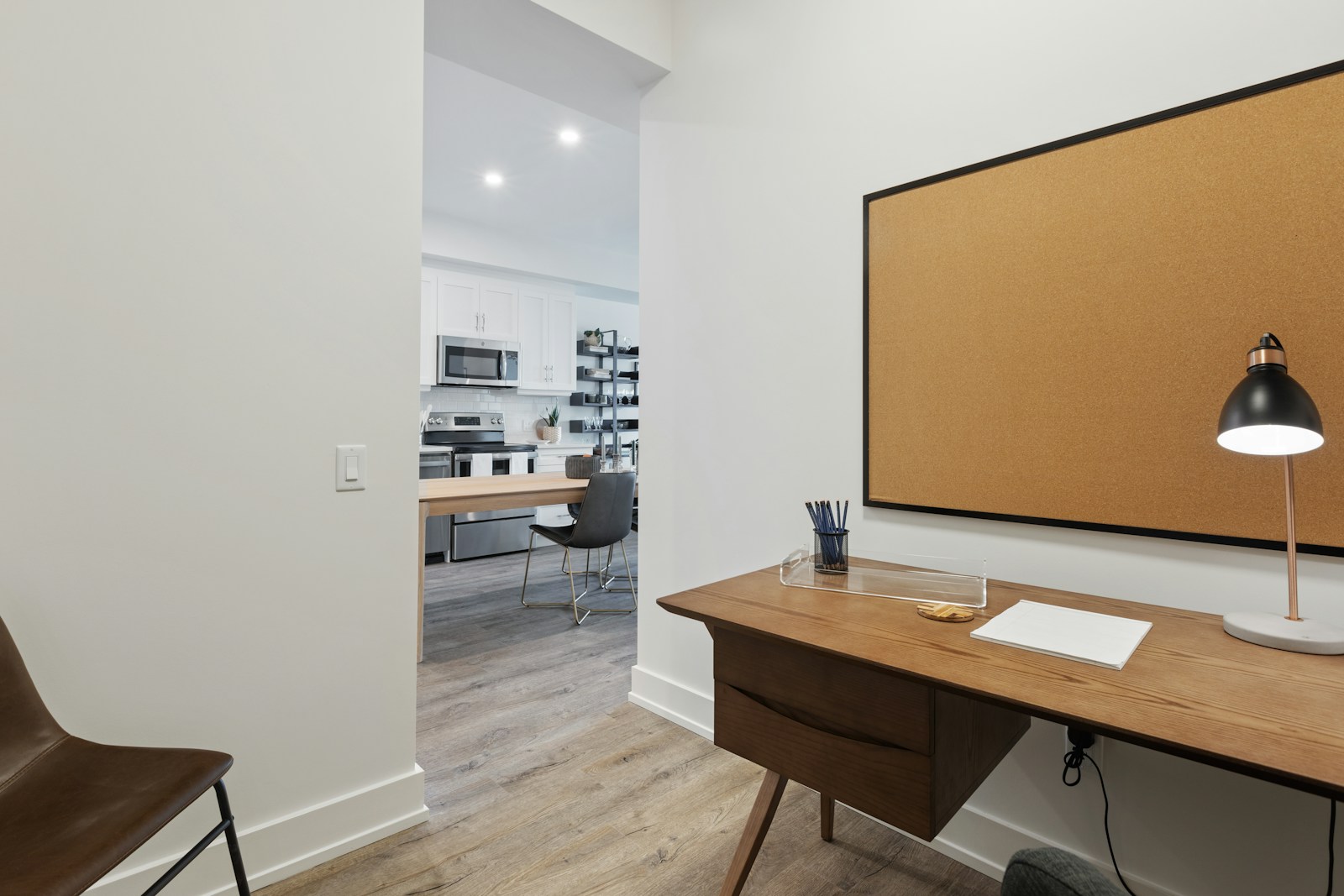
Use a room divider so the desk visually leaves the room at 6 PM
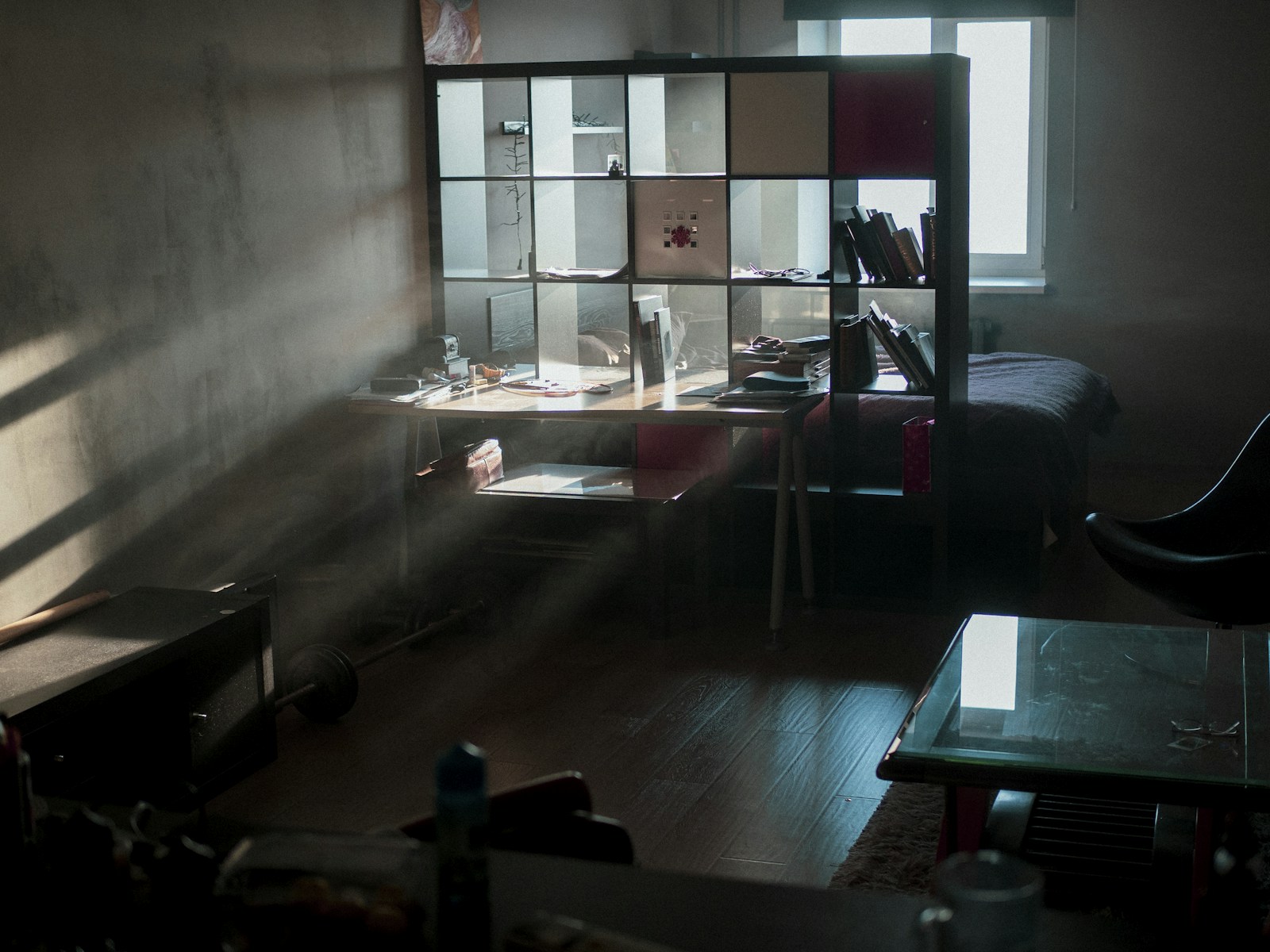
A studio with a visible desk at 8 PM tells your brain you are still at work. A studio where the desk visually disappears at 6 PM tells your brain you are home. The cheapest fix is a folding screen, a curtain on a tension rod, or a tall open bookshelf used as a partial divider between the work zone and the rest of the studio.
The IKEA Risor folding screen ($130) is the budget option. A linen ceiling-mounted curtain on a track ($80 for the IKEA Vidga system) is the cleaner option if your landlord allows it. A 6 foot tall IKEA Kallax 4×2 unit ($75) used as a divider gives you storage on both sides and a soft visual break that fully resets the room at the end of the day.
The screen also doubles as Zoom-background insurance: if you sit with the screen behind you and only your desk in view, the rest of the studio simply does not exist on camera, no matter what state it is in.
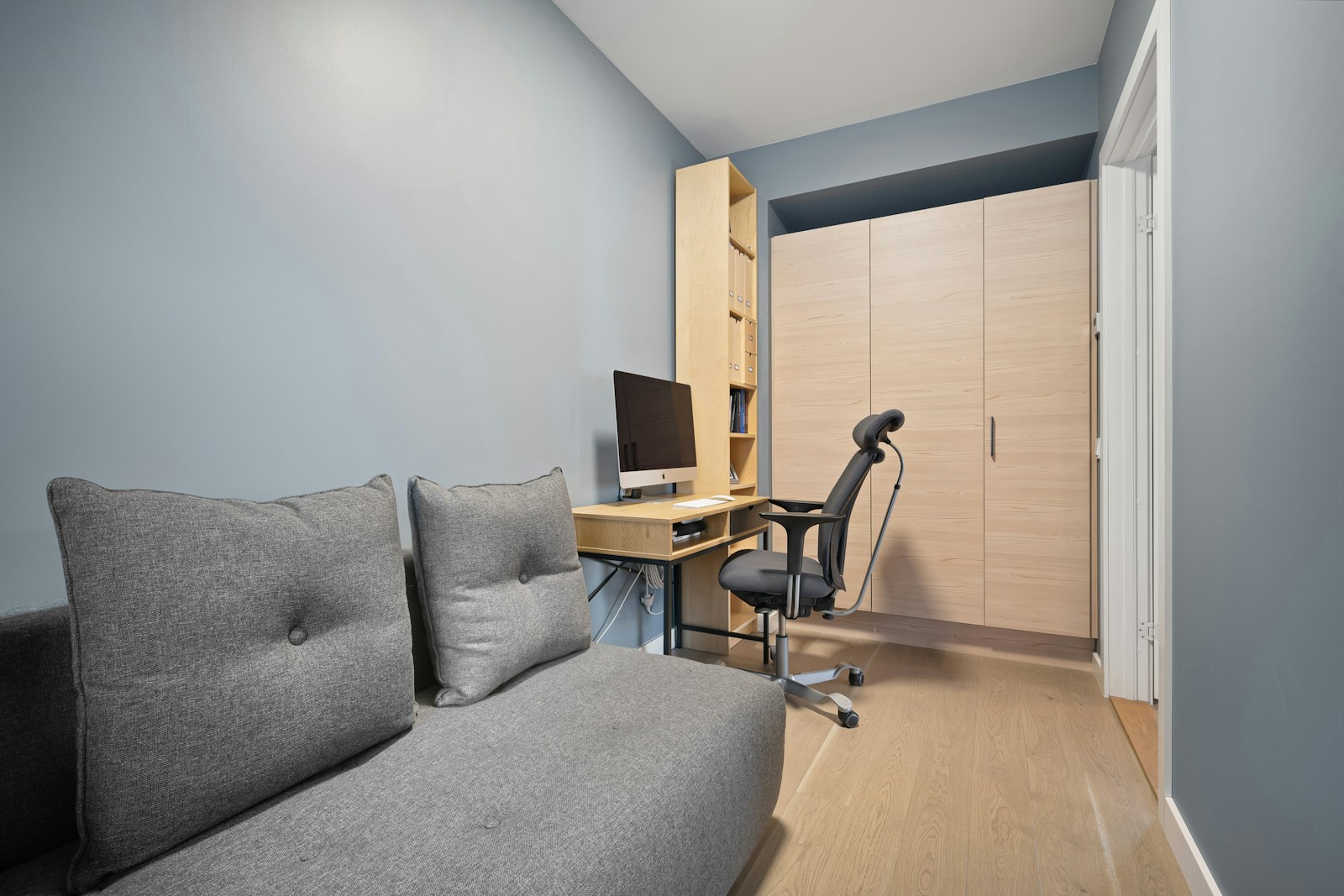
Add the ergonomics layer that actually matters in a small space
Three pieces of ergonomic equipment matter in a studio WFH setup. A laptop stand or external monitor to bring the screen to eye level. An external keyboard so your wrists are at a 90 degree angle while typing. A real chair (covered above). That is the list. The rest of the ergonomics industry is selling you accessories you do not need in a 350 square foot room.
Cheap source list: the Rain Design mStand at $42 (or the Amazon copy at $20), a Logitech MX Keys keyboard at $99 (or the Keychron K2 at $70 if you want mechanical), and the chair from the section above. Total ergonomic spend for someone starting from a kitchen-table laptop setup: about $200. Productivity and back-pain return: enormous.
If you can swing the standing desk version (Fully Jarvis or Branch Standing Desk above), the studio benefits double because standing during calls lets you reclaim floor space the chair was using. Push the chair under the desk, raise the surface, and the desk zone reads as a small podium rather than a workstation.
Build a 6 PM shutdown ritual that physically resets the space
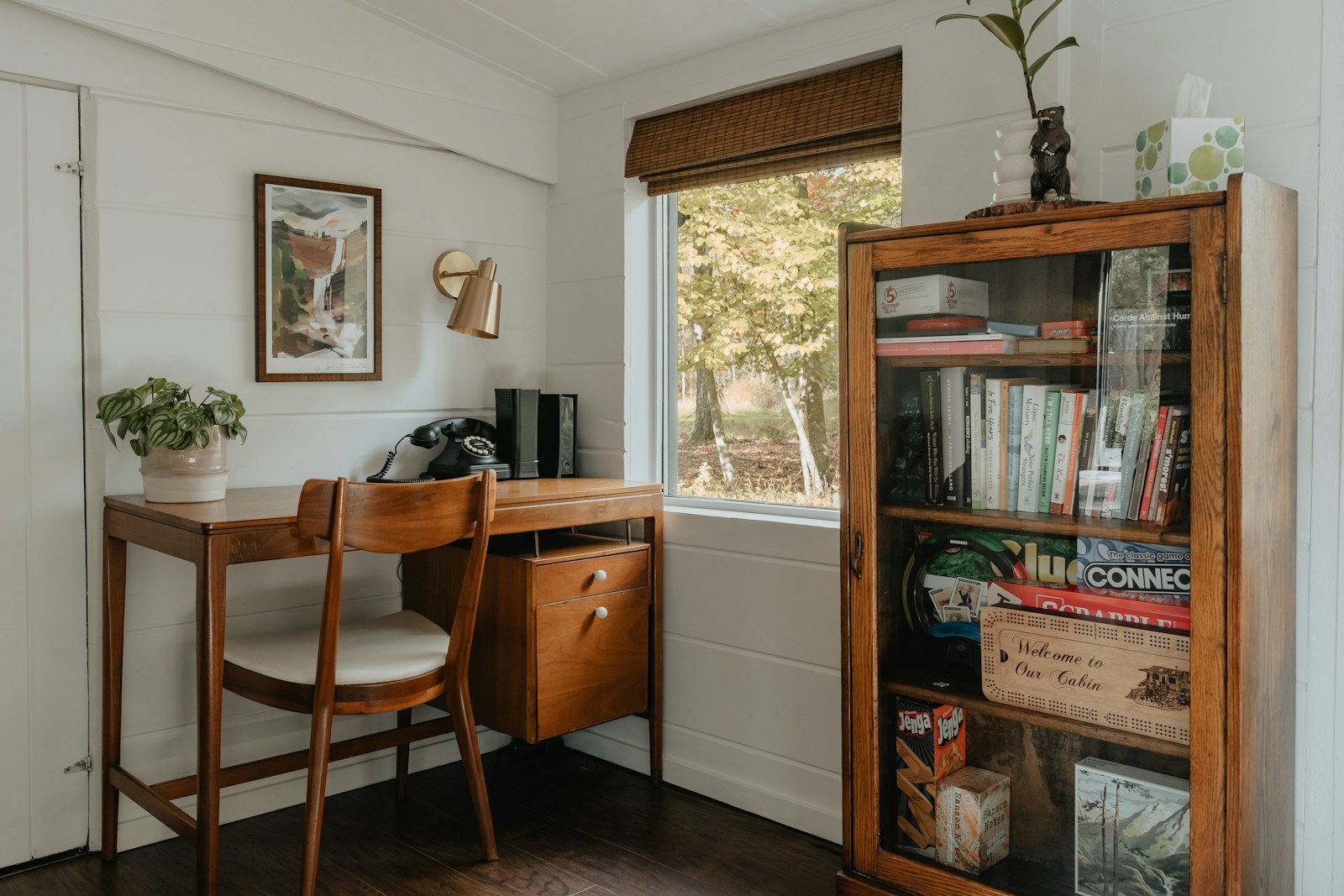
The hardest part of a studio WFH setup is psychological. You cannot leave the office because the office is also your kitchen. The fix is a five-minute physical ritual at 6 PM that turns the studio from “office with a bed” back into “home with a desk.” Done daily, it does more for your work-life boundary than any productivity app.
The ritual: close the laptop and put it in a drawer (not on the desk). Push the chair fully under the desk. Turn off the desk lamp. Turn on a different lamp in the living zone. Light a candle. Change clothes (this one matters). The whole sequence takes four minutes. The brain treats it as the studio’s mode-switch from work to home, and after a week the boundary becomes automatic.
For studios with a fold-down desk, the ritual is even shorter: clear the desk, fold it up, and the room is now a living room. The architecture is doing the boundary work for you.
Add storage that hides the work so the rest of the studio can breathe
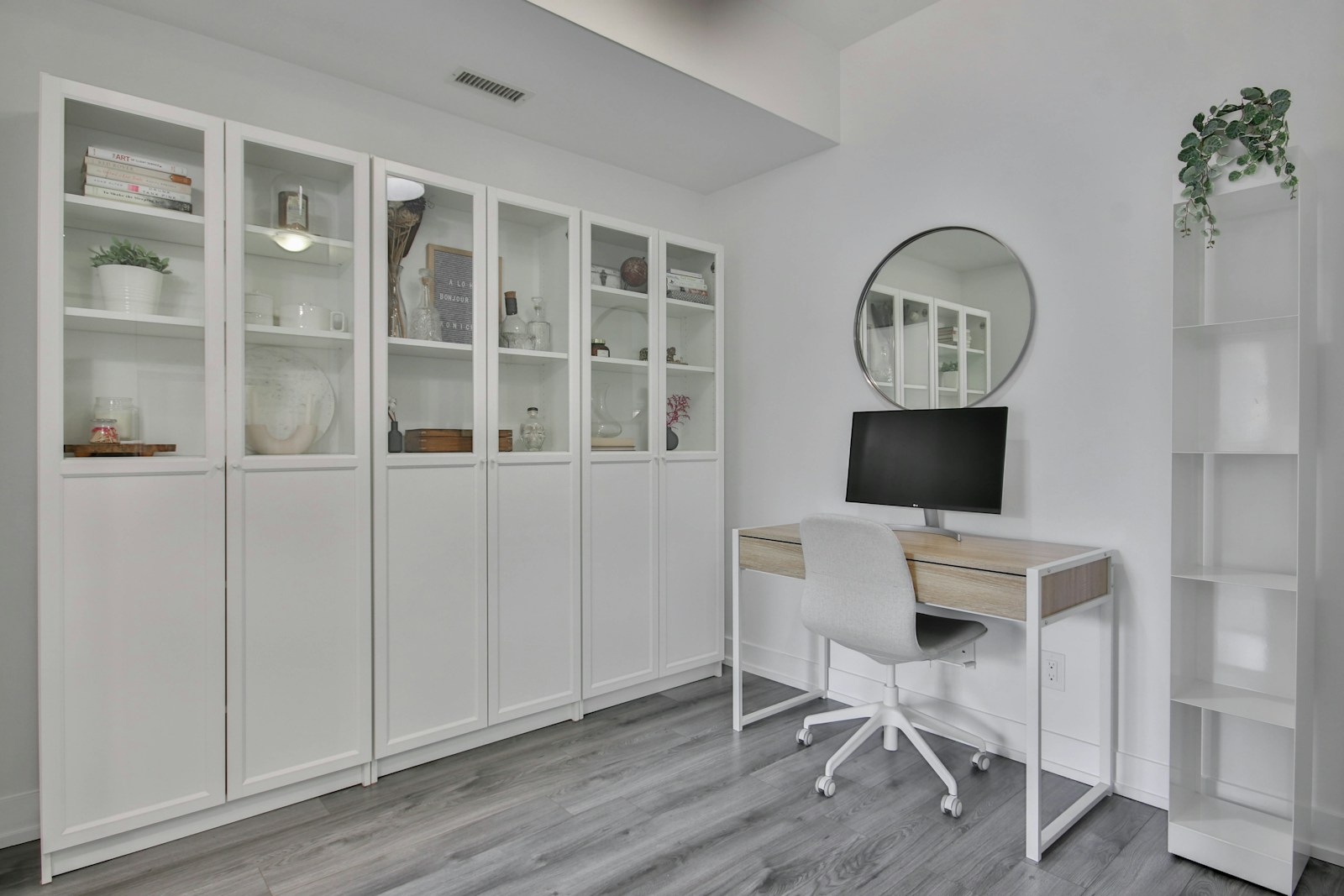
A studio with visible binders, cables, packaging, and stacks of paper at 9 PM reads as a small office. The fix is one closed-storage piece that absorbs the work materials at the end of every day. A 2×2 IKEA Kallax with three Drona fabric boxes ($75 total) holds notebooks, chargers, a printer if you must, and the daily clutter. Push it next to or under the desk.
For studios with even less floor space, a single tall thin cabinet (the IKEA Billy 16 inch wide at $80, or the slim Trones shoe cabinets at $25 each used as paper storage) takes 12 inches of wall and stores most of the work overflow vertically. Closed doors hide the contents; open shelves above can hold styled objects so the cabinet reads as decor.
The principle: anything related to work that does not need to be visible during work hours gets a home behind a closed door. The visible desk surface at 8 PM should be a lamp, a notebook, and one plant. That is it. The studio breathes again because the work has somewhere else to live.
A great studio WFH setup is not about owning the perfect ergonomic chair or the most expensive monitor. It is about deciding where the work happens, keeping the work contained to that zone, and having a clear ritual that takes the work zone offline at the end of the day. Spend the chair budget. Skip the monitor budget you do not need. Build the boundary. The studio that worked for sleep before you started working from home can work for both, as long as the desk is not on top of the bed and the laptop closes at 6 PM.
For more layout-driven studio thinking, see our guides to 300 sqft studio apartment layouts, the 400 sqft studio layout playbook, and the room by room studio decorating guide for zoning a single room into multiple functional spaces.